

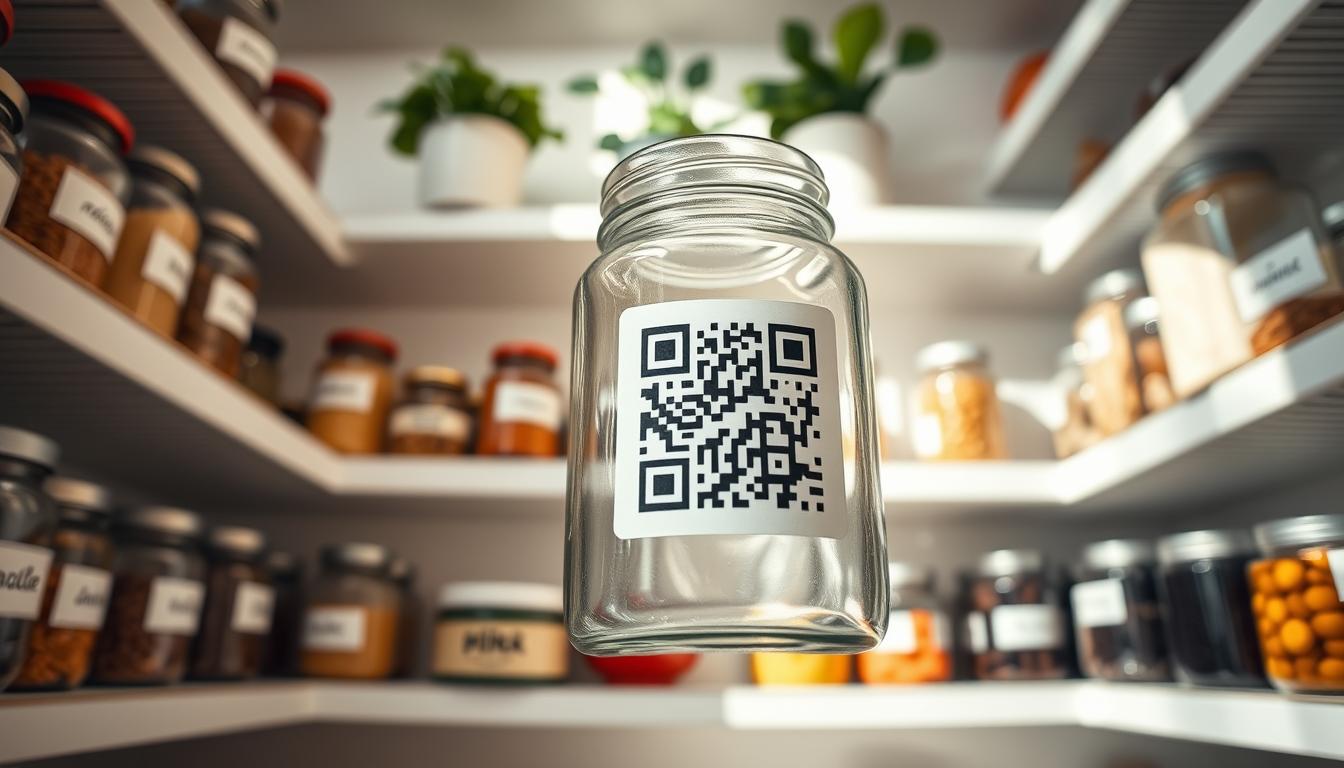
Turn plain pantry tags into a simple digital system that keeps your shelves clear and usable. You scan a QR code and see item details, counts, and status while still reading the label at a glance. This approach blends human-readable control with quick digital checks.
Color dots and readable text speed decisions. Printable, on-demand stickers work with desktop and roll printers so you can make labels as needed. Start with a few high-use products and scale up when the setup proves helpful.
You get practical benefits: fewer missing items, better stock visibility, and easier reordering. The system is a low-friction upgrade that focuses on scannable codes, consistent layouts, and durable materials.
Next, you’ll learn what to put on each label, where to place tags, and which adhesives and printers hold up best. The goal is clear: an organized pantry you can manage in real time with a straightforward service flow for home and small business use.
Why QR Code pantry labeling improves digital inventory management
A quick scan adds digital clarity while your printed tags keep things human-friendly. This hybrid approach preserves readable control and keeps rotation simple, so someone can still pull the right item even without scanning.
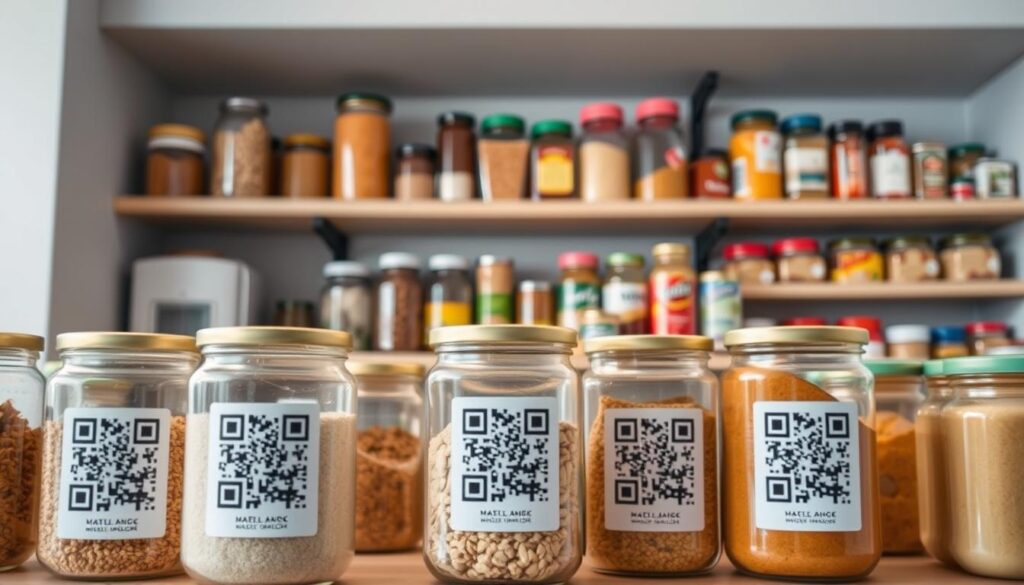
Keep stock rotation easy: the front of each label shows dates and use notes, while the QR stores history, counts, and reorder points. A fast scan shows whether a product is “in stock,” “low,” or “out,” cutting down order mix-ups before you buy more.
- Better visibility prevents over- and under-ordering by tying counts and reorder notes to the exact product.
- Color dots and consistent category colors speed finding items and help teams that use different languages.
- Real-world reviews highlight scan reliability, adhesive strength, and print readability as key buying factors.
Scale with simple rules: use the same placement, naming, and color scheme across shelves. That consistent control makes management faster and keeps your pantry system reliable as it grows.
Inventory tracking labels for QR code pantry organization
A simple checklist on each tag stops confusion and speeds restocking for everyone. Use a consistent tag format so anyone can read, scan, and act without guessing.
What each tag should show
Make sure the tag includes product name in large type, a packed-on or opened date, the shelf area (for example, “Top Shelf—Back”), and a short catalog or part number for quick matches.
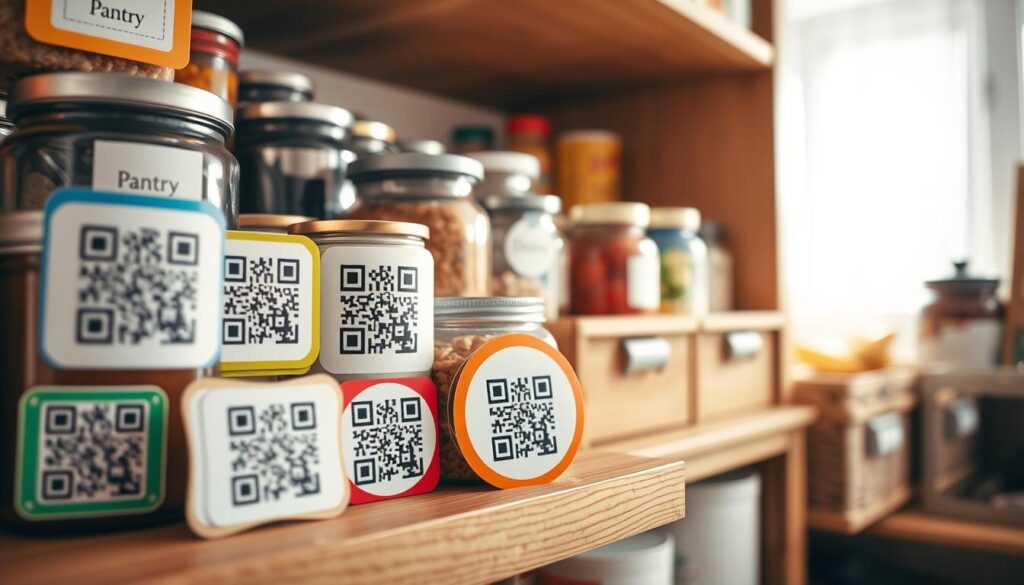
How scans move items from shelf to use
Scan to decrement quantity, scan to change status, and scan again when you replace the item. Catalog numbers and simple numbers curb mix-ups when similar products sit side by side.
Where these work best
- Shelf-edge tags for visibility.
- Bin and jar tags for bulk or decanted goods.
- Tags on nearby equipment used for prep or storage.
Extras that help handlers
Add arrow tags for stacking direction and warning stickers for hot or hazardous items. These small cues improve safety and control.
Beyond the pantry
The same system fits workshops, offices, stockrooms, and light manufacturing. Use your website or internal system to show status updates while you shop or plan restock.
Label options that fit your pantry: shapes, colors, materials, and adhesive types
Pick the right mix of shapes, colors, and adhesives to match daily pantry needs. Start by matching each tag to how you handle a product so your system stays fast and clear.
Shapes and formats
Rectangles work best for shelf edges and bins. Circles fit jar lids and small caps. Use easy-order packs when you want a consistent set for a full reset.
Color strategy and dots
Choose a few category colors and apply them consistently. Add color-coded dots as a simple add-on to speed sorting and reduce mistakes when multiple people share duties.
Materials and durability
Paper tags suit indoor, low-handle needs and save cost. Vinyl performs better where moisture, wiping, or frequent handling happen.
Removable adhesives and supplemental systems
Use removable adhesive tags to re-label without residue. Combine month, year, and day stickers for rotation; number and letter codes for locations; and consecutive numbers or block-out labels to correct old info.
- Choose the type that matches your storage and handling needs.
- Use consistent color control to reduce restock errors.
- Select durable material so your tags stay readable and scannable over time.
Printing and production features that simplify your process
Print-on-demand tags let you make exactly what you need, right when you need it. That reduces waste and keeps your pantry projects moving without bulk orders.
Printable, on-demand options for desktop and roll printers
You can use standard desktop printers for small batches and roll printers when you update many products. This gives you a flexible process that fits testing or full rollouts.
Sheets and rolls qualify for a lowest price guarantee on standard in-stock items—up to 1,000 sheets or 24 rolls—and the price beat is 10% versus a competitor. Custom items are excluded.
Design tools and repeatable templates
Use Maestro Label Designer or free templates on the website to lock in sizing, spacing, and scannability. Repeatable templates keep QR code placement consistent and reduce setup errors.
Production guidance and fast service details
- Keep QR codes high-contrast and leave quiet zones around the code.
- Standardize where the code and human-readable text appear for better control.
- Most orders placed before 5:00 p.m. ET ship same day; out-of-stock items are produced and ship in 1–3 business days.
Fast start: choose premium material or pre-printed sheets that arrive ready to apply. Order what fits your pantry, request a sample if needed, and apply tags as soon as they arrive.
Conclusion
Well-placed QR tags give you immediate status and cut surprises when you reorder supplies. The core benefit is simple: scannable tags keep your pantry readable and make daily management fast.
Operational wins show up quickly — fewer stock surprises, clearer status when you check catalog entries, and faster decisions when you place an order. Use consistent naming, a date rotation rule, and a scannable catalog structure to prevent waste.
Check quality before you buy: scan reliability, adhesive performance, and legibility matter most. Read reviews and confirm the type and material match your equipment and manufacturing needs.
Apply the same approach across workshops, offices, and light manufacturing. Choose the tags and labels that fit your area, set up the workflow, and start using scans to keep your inventory accurate in real time.