
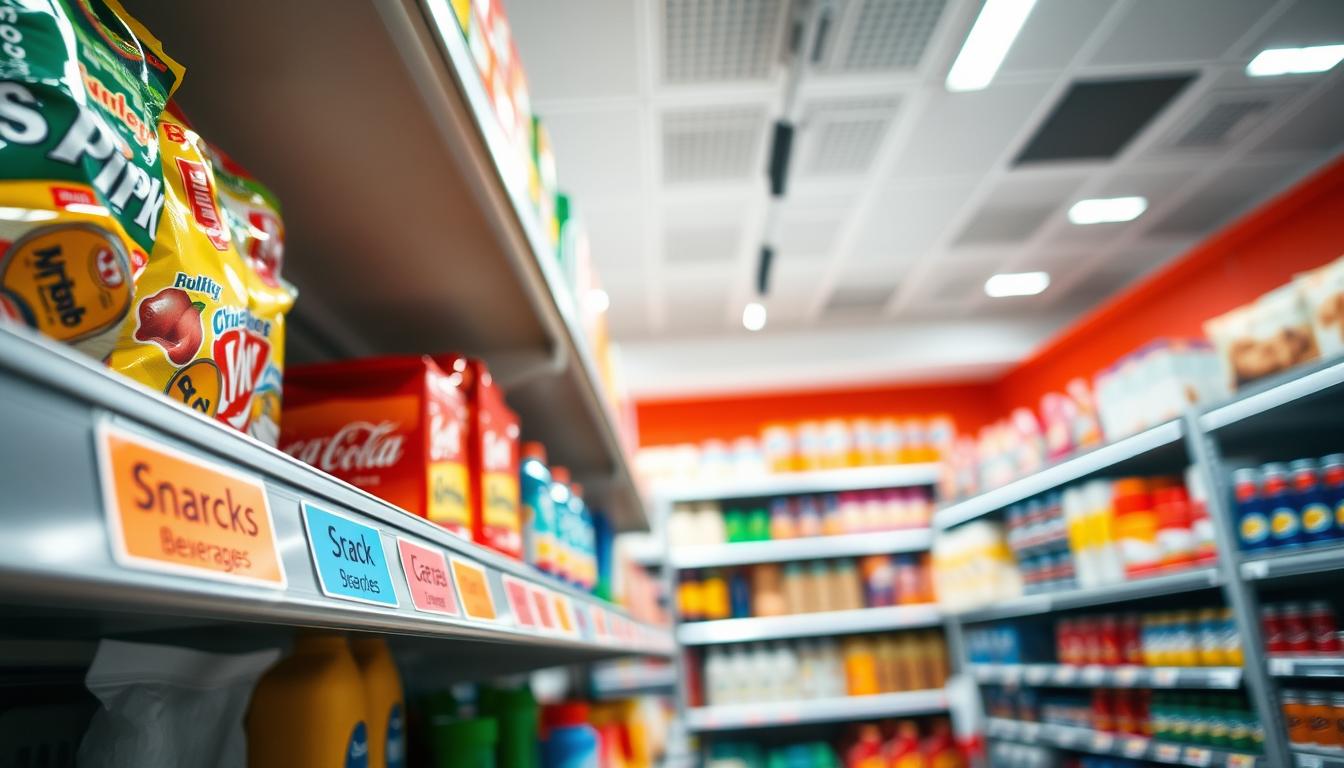
You need a simple, consistent system that guides customers at the point of choice. Shelf edge labeling means using a coordinated set of labels, holders, and inserts so every product and category is clear and easy to find.
This guide shows you how to pick the right solution for your shelves, pricing cadence, and store conditions like high traffic, spills, or cold zones. You’ll learn which holders work best — clip-on, adhesive, magnetic, or channel — and which materials hold up over time.
Good labeling makes shopping faster and reduces checkout confusion. Associates spend less time answering “where is it?” and customers make confident choices. Labels present vital information — price, product name, barcode — right where people look.
We’ll compare materials, print workflows, and durability so you can buy a system that stays readable, stays in place, and scales across aisles with consistent merchandising and fewer compliance gaps.
Why shelf edge labels matter for store organization and sales
Clear front-of-aisle information turns browsing into buying. When you give shoppers consistent markers at the front of each shelf, they self-navigate faster and call staff less often. That drives better shopper experience and higher conversion on displays.

Cleaner navigation and fewer “where is it?” moments
Think of consistent shelf labels as micro signage. They show category, brand, and item position so customers confirm they are in the right place within seconds.
Pricing clarity that reduces checkout friction
Readable pricing on the shelf helps customers compare and decide. Clear price and promo data cut down on disputes, price checks, and overrides at the register.
Operational gains from visual management
Standards borrowed from 5S and ORGATEX mean clear spatial determination and a color system that shortens search time. Associates spend less time hunting and more time on stocking and service.
- Planogram compliance: standardized labels support consistent promo execution.
- Durability matters: holders and inserts keep information clean and repeatable.
- Faster audits: retailers see fewer gaps and cleaner category presentation.
Labeling shelf edges: define your requirements before you buy
Define the data fields and update cadence first — then match holders and materials to those needs.
Decide which information must appear on every tag: price, UPC/barcode, product name/size, promo callouts, and unit price. Mark what is optional so you avoid clutter and extra cost.
Check your fixture reality. Gondola shelf edge systems often use clip-on or snap-on channels. Wire shelving needs wire-specific clips or profiles. Wood and metal surfaces can take adhesive strips or magnetic holders.
- Update frequency: daily pricing changes need fast-swap holders and on-demand printing.
- Labor impact: more frequent updates favor systems that cut sorting and misplacement.
- High-risk zones: freezers condense, bakery brings flour and grease, and busy aisles increase impacts.
Tie requirements to buying criteria: choose a material and holder that protect paper inserts, keep barcodes scannable, and maintain legibility under real store conditions. Define success metrics — misread rate, time to change tags, and compliance checks — before you purchase.
Choose the right shelf label holder type for your shelves
Match holder style to your retail reality—gondola, wire, wood, or metal—so swaps stay fast and neat.
Clip-on and snap-on for gondola front rails
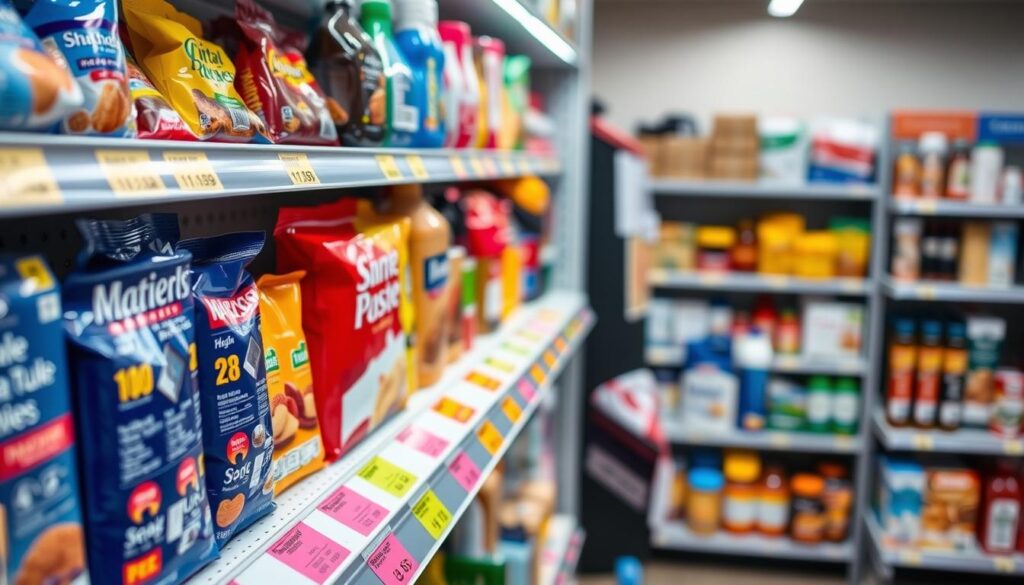
Clip-on and snap-on holders attach quickly to gondola front rails. They are ideal when you update prices often because inserts swap without tools.
Look for strong retention so inserts stay aligned during restocking and high traffic.
Adhesive strips for smooth, clean edges
Self-adhesive strips work well on smooth surfaces and give a tidy, low-profile look.
Prep surfaces first; poor adhesion is the main failure mode.
Magnetic holders for metal fixtures
Magnets attach to metal rails for fast re-merchandising. Strong magnets cut slippage in busy aisles and speed changes across bays.
Channels and transparent pockets
Channels, strips, and moldings create a standardized, seamless look across a bay. Transparent pockets protect paper inserts from dust, moisture, and handling—useful in freezers and high-touch zones.
- Ask suppliers for sizing help and samples.
- Verify compatibility with your fixtures before a large order.
- Request service details: installation tips and replacement parts.
Materials and durability: what performs best in retail conditions
The right material and holder determine whether your price info stays readable under daily stress. Choose for visibility, cleanability, and resistance to knocks, not for looks alone.
Clear plastic holders: visibility and moisture resistance
Clear plastic pockets protect printed price and barcode fields. They wipe clean, resist moisture, and keep inserts scannable in damp or spill-prone zones.
Vinyl, polycarbonate, and reusable solutions
Vinyl is flexible and low cost. Polycarbonate resists cracking and lasts longer. Reusable, tougher holders cost more up front but cut breakage and waste over time.
Paper inserts vs protected inserts
Paper works for short promos and calm aisles. For freezers, bakery, or heavy traffic, use protected inserts in clear pockets or magnetic holders to avoid reprints and misreads.
- Performance matters: durable holders lower labor and compliance issues.
- Bounce back: choose holders that spring back after impact to prevent rippling or misalignment.
- Total cost: fewer replacements and fewer reprints offset higher initial spend across many stores.
Size, fit, and layout: get shelf labels that scan and read correctly
Get the right fit and layout so every price and barcode scans cleanly at the point of choice.
Begin by measuring the front rail depth, available insert space, and any trim or lip that reduces usable room.
- Use a ruler or caliper to record total rail depth in millimeters.
- Measure the maximum insert thickness that sits flush without curling.
- Confirm any overhang or channel depth to ensure the holder accepts your insert.
A snug fit matters: it keeps labels aligned, prevents inserts from falling, and cuts mismatched tag errors during restock.
Design a clear content hierarchy
Put the price first—large and high-contrast—so customers see it in a glance.
Place the product name and size beneath, with promo copy last and concise so the label stays uncluttered.
Font size, spacing, and readability
Use bold for prices and 18–24 pt equivalents for close-range readability. Keep line spacing open so moving shoppers can read without slowing down.
Barcode placement for reliable scanning
Position the barcode at the right end of the insert with a clear white margin behind it and dark bars for contrast. Transparent profiles that sit flat allow scanners to read through plastic without error.
- Operational gain: better scanability speeds cycle counts and price checks.
- Consistency: one design rule across shelves reduces training and errors.
- Test before rollout: sample inserts in real fixtures to confirm fit and scan rates.
Printing and workflow options for today’s shelf edge labeling programs
Match printing speed and scale to your operating model so price changes don’t bottleneck operations.
On-demand thermal printing for rapid in-store updates
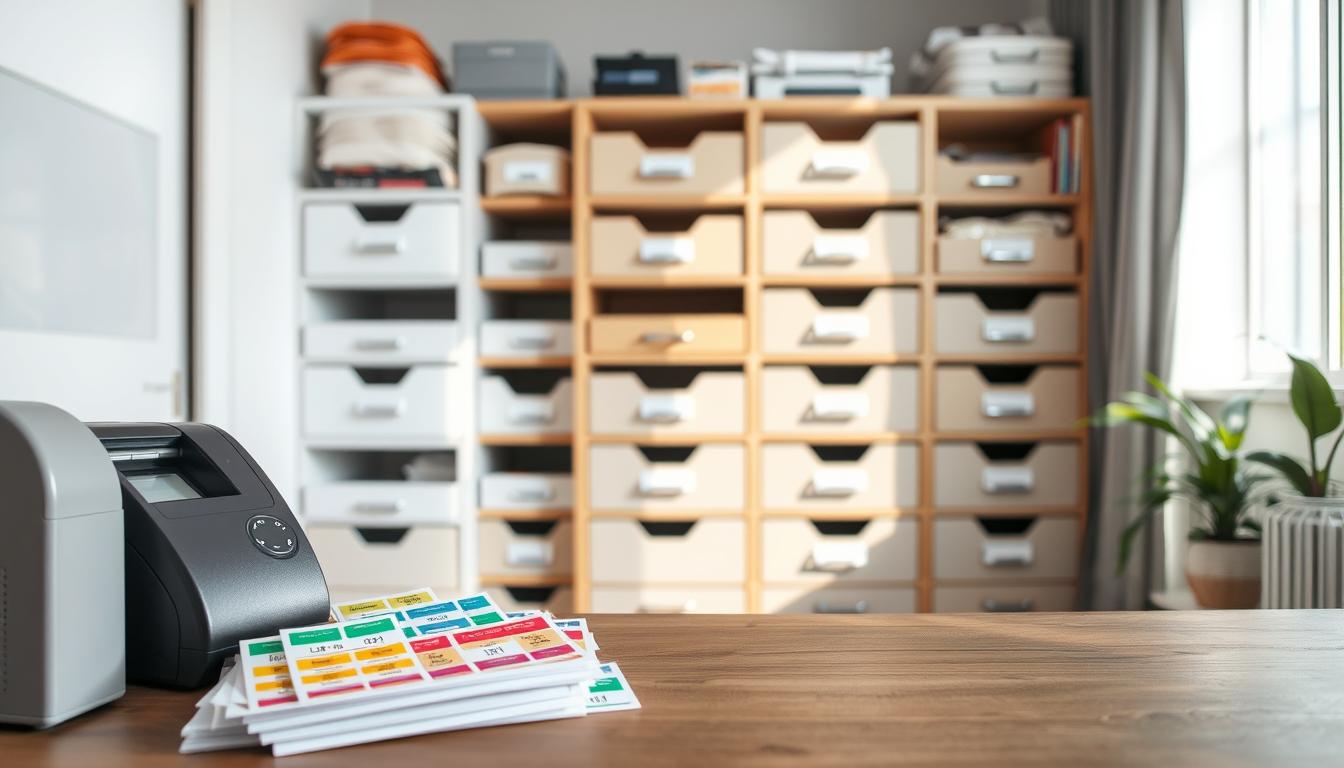
Use on-demand thermal printers in stores when you change pricing and promos often. A cutter-equipped thermal setup, like the CL4NX Plus with cutter, creates clean, ready-to-apply labels. That gives you fast swaps and fewer misapplied tags.
Laser printing plus cut/stack for distribution centers
For chain-wide resets, centralize printing with laser printers and a cutter/stacker such as the LP 100R + CS-9018. This produces pre-cut stacks that stores apply quickly, cutting on-floor labor and speeding rollouts.
Reduce manual cutting and sorting to save labor
Fewer touchpoints mean fewer errors. Automating cutter and stack workflows eliminates manual cutting and sorting, improving compliance and execution during ad changes.
Match printers, cutters, and supplies to material performance
- Confirm cutter compatibility with your label material and holder depth.
- Validate genuine supplies in end-use tests to avoid smudging or adhesion failures.
- Choose the workflow that balances cost, speed, and control for your retailers.
Business outcome: when pricing and price labels are accurate and timely, you protect margin, reduce overrides, and keep promos compliant.
Installation and maintenance best practices to keep shelves compliant
Quick, consistent installs and routine checks are the backbone of a reliable in-store label program. Use a short, repeatable process so your team installs a clean, scannable tag every time.
Surface prep for adhesive holders on wood and other smooth surfaces
Clean and dry the rail before applying adhesive. Oils, dust, or moisture stop glue from bonding and cause lifts later.
Wipe with a mild cleaner, let dry, and press firmly for a few seconds. That simple prep extends holder life and protects paper inserts.
Fast changeovers with moveable holders
Use magnetic or clip-on moveable holders so you swap labels without pulling product forward. That keeps your shelves shoppable during changes.
Standardize a quick-fit routine: verify fit, insert the label, align, then walk the aisle for visual checks.
Protecting labels in freezers and busy aisles
Choose sealed or tight-fit holders for cold zones and high-traffic bays. They stop condensation, spills, and handling from warping paper tags and keep barcodes readable.
- Checklist: confirm shelf compatibility, clean surface, verify fit, insert label, aisle walk.
- Maintenance: scheduled wipe-downs, replace cracked holders, and routine spot-checks.
- If you see a page blocked or blocked extension error when pulling templates, document an escalation path and try disabling extensions as a troubleshooting step so updates don’t stall.
Follow these steps and your solution will lower label loss, improve compliance, and boost planogram performance during audits and promos.
Conclusion
strong, A smart purchase balances fixture fit, material toughness, and how quickly you update price and promo content.
Summary: Choose a system that fits your rails, survives traffic and humidity, and supports your update cadence so labels stay readable and barcodes scan.
For commercial payoff, your store gains clearer navigation, fewer checkout disputes, and faster execution across locations. ORGATEX frames professional labeling as the first step to process gains. SATO highlights labor savings from integrated printing and cutting workflows.
Before you buy: verify holder type, material durability, correct sizing, readable label design, and a print workflow that cuts labor. Standardize formats across aisles to improve compliance and training.
Next steps: request samples, test scan/readability, and confirm supplier service and replenishment so your solution holds up long term. When content is accurate and easy to maintain, your shelf stays organized and customers shop with confidence.