
You want quick edits to a file system or shelf without the usual hassle. This short guide shows a simple way to keep your supplies ready so updates take minutes, not hours.
Start by setting a dedicated spot for your supplies. Use a small box or container so everything lives together. Sort sheets and rolls by color and purpose so you know what to grab first.
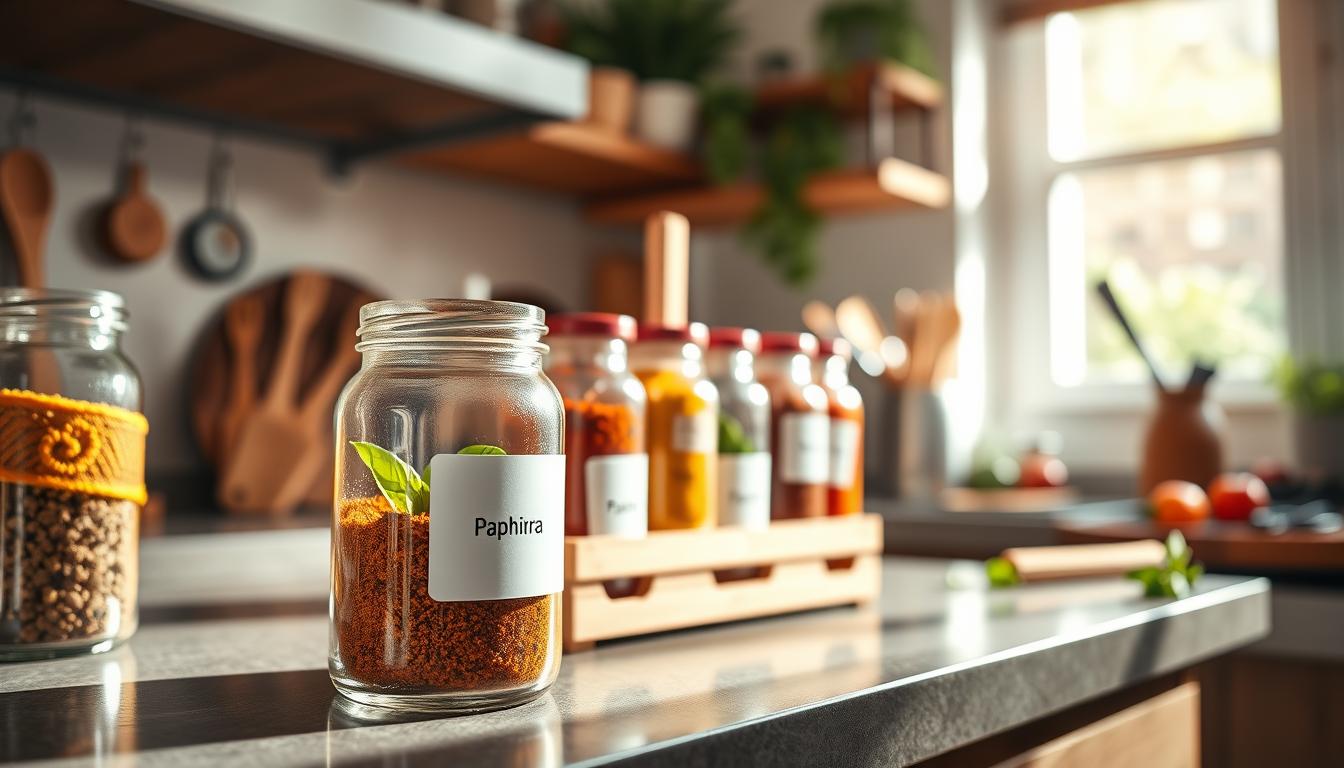
Really Good Stuff® Item #158622 is a pack of 96 colorful cardstock labels sold as refills. Keep those packs visible so you avoid partial packs and extra buys. This reduces waste and saves money.
Make your most-used tools easy to reach. A ready-to-go printer or handheld device cuts “search time” and keeps updates fast. With clear storage and a simple routine, you’ll spend less time hunting and more time on tasks at home.
Key takeaways: Keep a dedicated container, sort by color and purpose, and keep tools within reach to reduce waste and speed up updates.
Keep your label maker and labels within reach for faster updates
Keep your most-used tools within reach so updates happen in minutes, not later.
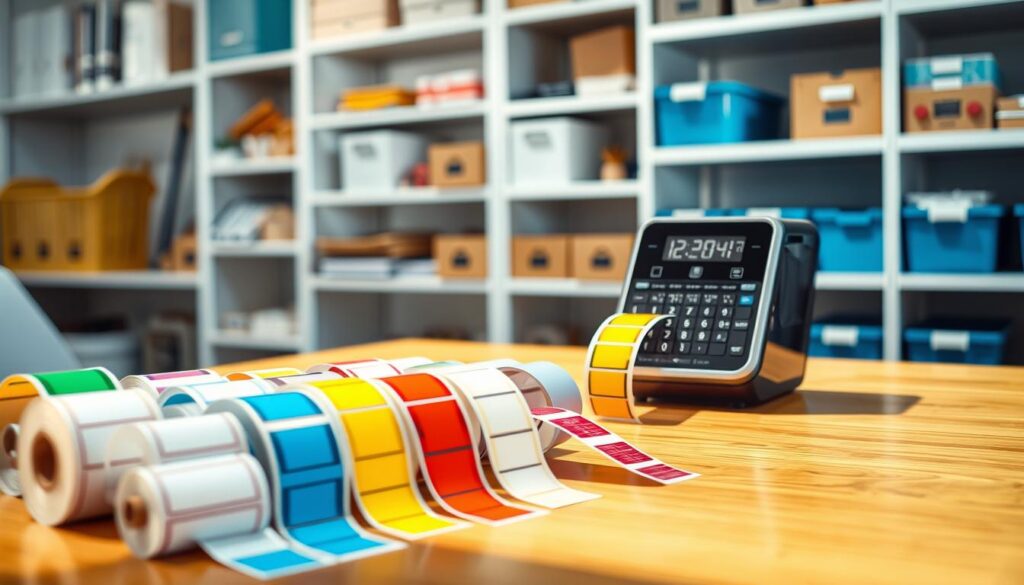
Set up a labeling zone near where you file, store, and sort
Create a small station next to your highest-traffic area: the spot where you handle incoming papers, file folders, and storage tasks.
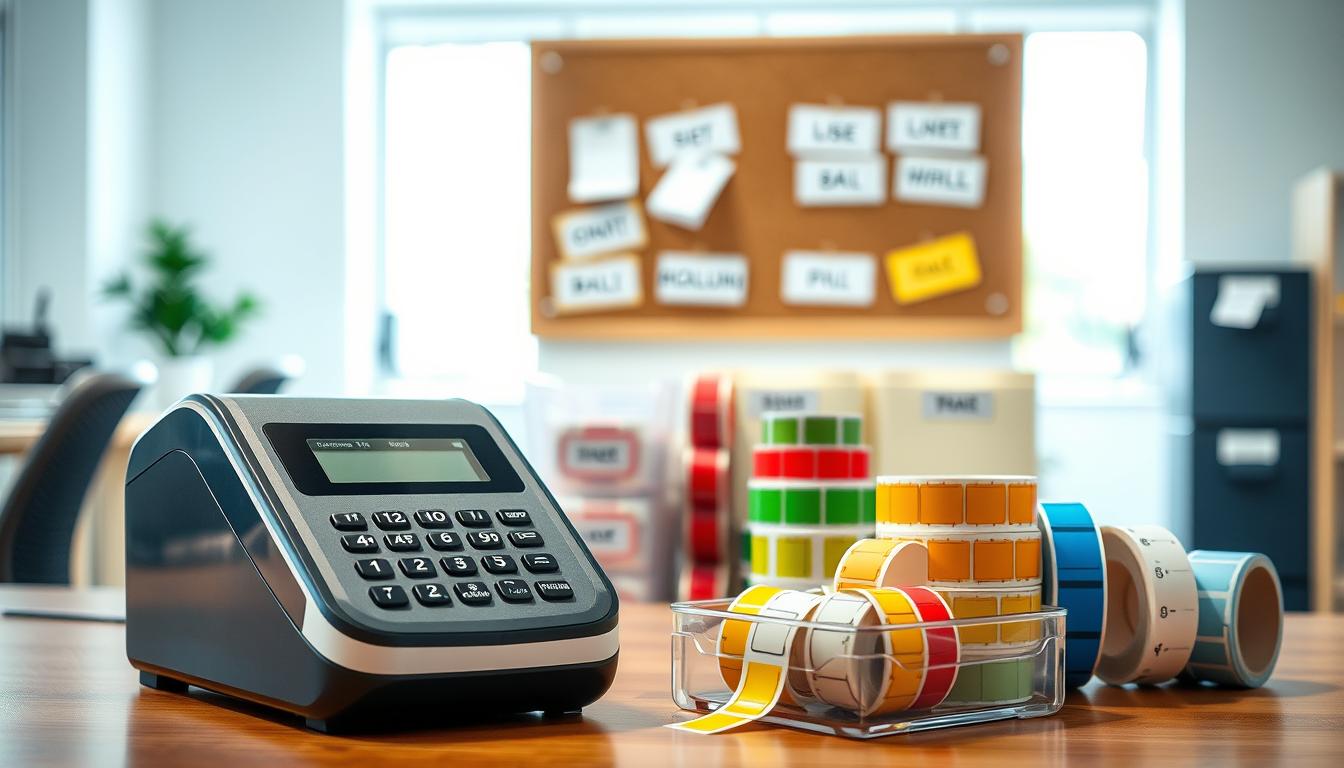
Include the essentials so you can act immediately. Keep your label maker, a weekly supply of labels, a spare roll if you use rolls, and basic accessories like a cutter or extra batteries.
Choose a spot that protects supplies from bending, moisture, and dust
- Place the zone on a shelf edge, desktop corner, or a small cart so it moves with the work.
- Keep materials flat and avoid overstuffed drawers; use a covered bin if shelving is open or dusty.
- Pick a dry spot—no damp basements, steamy kitchens, or dusty garage shelves—to prevent curling and damage.
Why it speeds things up: When labels and tools are within arm’s reach, you update folders and folder labels on the spot. That prevents backlogs and keeps your system current.
Organizing label refills so you can grab the right label in seconds
Quickly grabbing the right refill starts with a sorting plan that matches how you actually work. Set up simple bins that mirror tasks: files, boxes, and on-the-go folders. This keeps choices clear when you are in a hurry.
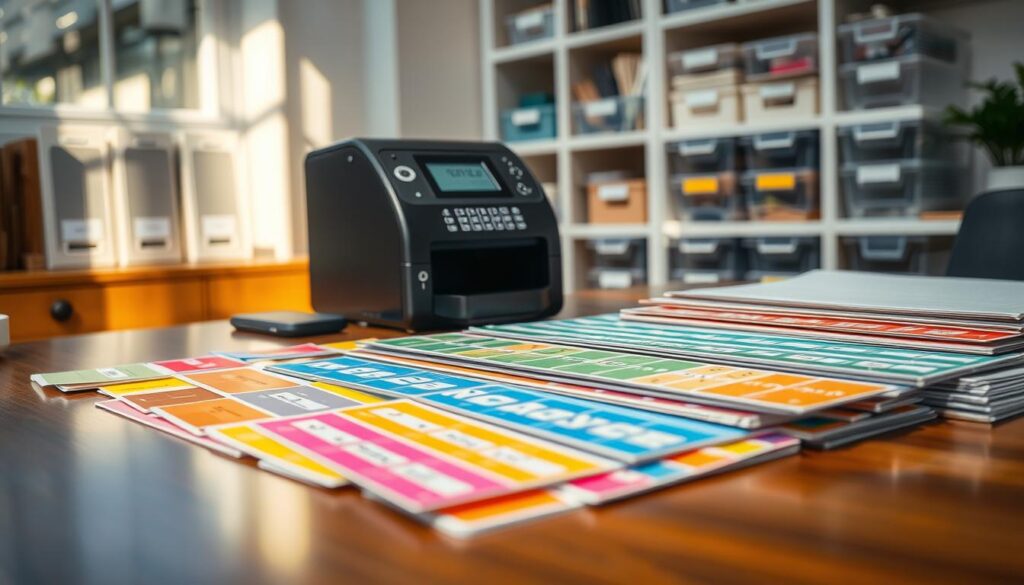
Sort by type and use case
Separate into three main stacks: file folder labels, folder labels, and box packs. Keep sheet formats apart from roll formats so you never pull the wrong format while labeling.
Group by color for fast scanning
Use color as a quick visual cue. Pick consistent colors for files versus boxes so your eyes find the right pack in seconds. Consistency keeps your workspace neat and speeds retrieval.
Manage full vs partial packs and add a number system
- Store partial packs up front to use them first and avoid waste.
- Assign simple codes like FF-1 for file packs and BX-2 for box packs to restock correctly.
- Mark the outside of the storage container with those codes so anyone can grab what they need.
The result: faster labeling, fewer mistakes, and a storage setup that matches real work.
Know what you’re storing: sizes, quantities, and compatibility
Start by checking exactly what sizes and quantities you own so storage fits the real items.
Plan space for a full pack of 96 cardstock sheets
Really Good Stuff® Item #158622 contains 96 cardstock labels, each 4 1/4″ by 2 1/4″. Allocate space so the pack lies flat and stays easy to count.
Pick a box or drawer footprint slightly larger than the sheet size to avoid diagonal stacking that causes bends.
Store refills by holder fit
Group packs by the holders they match: Universal Label Holders and Book & Binder Holders with Stabilizer Wings™. Keep a small note card in each box that lists compatible holders and the item number for fast reorders.
Protect cardstock and plastic accessories
- Store cardstock flat and avoid heavy items on top to prevent creasing.
- Keep plastic parts in a small pouch or divided tray so they don’t scratch or crack.
- Choose a dry spot to prevent warping from humidity and protect accessories from heat.
Protected supplies last longer, so your label updates stay quick and professional.
Make quick updates easy with print-ready tools on your computer
Get set up to print updates in minutes by keeping digital templates and sheets ready on your computer.
Use the free template to design and print on Mac or PC
Really Good Stuff® offers a free, easy-to-use template that works on both Mac and PC. The activity guide walks you through setup and print alignment so your sheet prints correctly every time.
Keep print sheets staged for instant runs
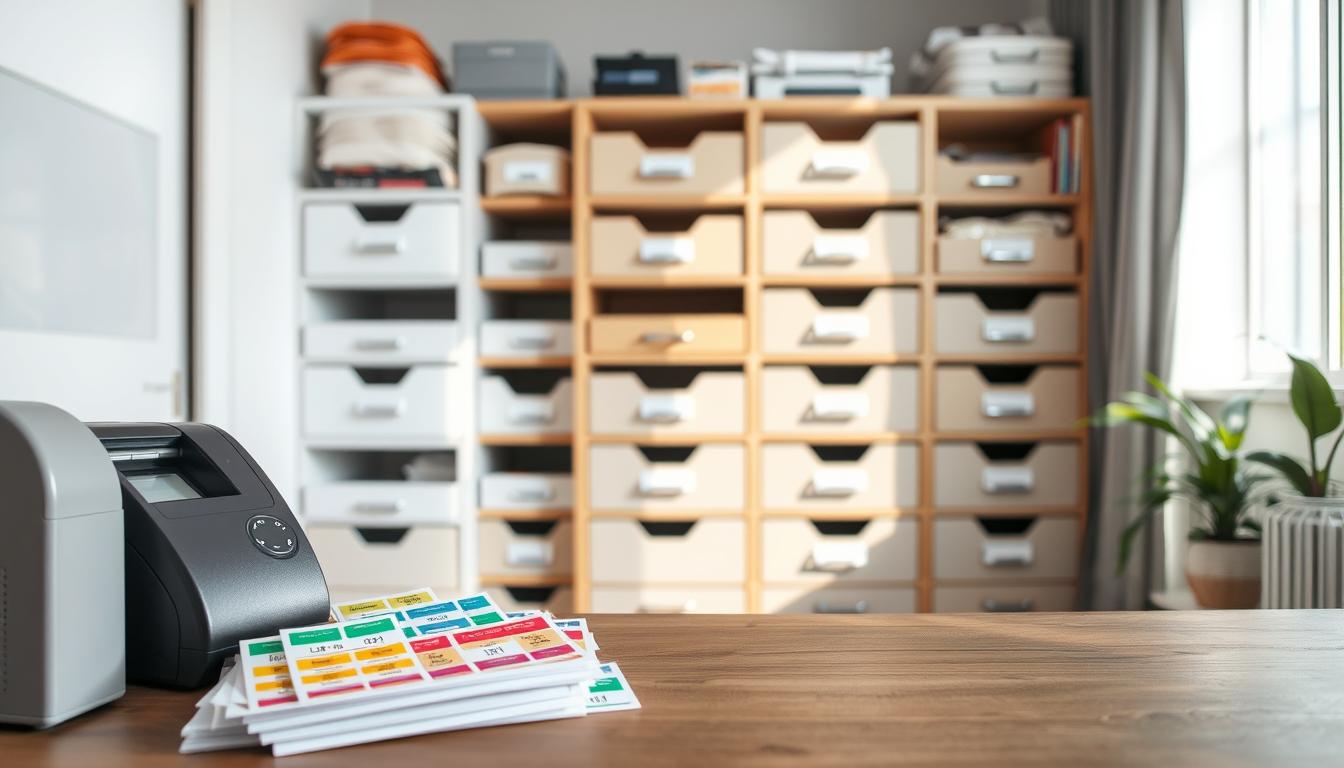
Store a small stack of full sheets in a protected spot near your printer so you can run a sheet without searching through storage. Save printer settings so you don’t tweak margins each session.
File your most-used layouts for fast reprints
Save layouts with clear names like “File Folder—Math Units” or “Box—Seasonal Decor” in one dedicated computer folder. That way, updates are reprints, not redesigns.
- Workflow tip: Print only what you need and keep a roll option for one-off changes.
- When to use a roll: Choose the roll for single-item tags or on-the-spot swaps.
- Consistency wins: Templates cut misalignment and inconsistent fonts so labels look professional.
Storage ideas for home, office, and classroom setups
Pick storage that fits how you move through your home, office, or classroom. The right setup keeps labels and tools protected and ready so updates take minutes, not hours.
Small storage box or drawer insert
Use a compact box or drawer tray to keep flat sheets, scissors, and small accessories together. Store full packs and partial packs flat to prevent curling and bent corners.
Label the outside of the box with contents and a quick count so anyone can restock fast.
Rolling cart for mobile work
A three-tier cart moves with you between file folders, shelves, and boxes. Keep most-used sheets and a spare box on top, backups below.
Benefit: mobile labeling saves steps and keeps your workflow uninterrupted.
Wall pocket or magazine file
Mount a wall pocket near your printer to hold flat sheets—no folding. This protects print alignment and prevents curling.
Travel kit for on-the-go updates
Pack a compact kit with your handheld device, one spare roll or sheet, a pen, and a tiny pair of scissors. Toss it into a bag for quick fixes in meetings or classrooms.
- Color strategy: assign colors by subject, room, or category so others can scan quickly.
- Weekly checklist: check counts, keep a backup box of sheets, and replace supplies before big reorganization days.
- Time saved: the right storage prevents damage, cuts searching, and keeps labeling tools ready wherever you work.
Conclusion
A simple system keeps your supplies ready so updates take moments, not hours. Keep labels and tools in one dry spot to cut search time and avoid messy counters.
Sort refills by use and color so you can update a file or folders the second you notice a change. Use a clear code for file folders and for folder labels to make choices instant.
Store full packs flat in a small box and put partial packs at the front. Keep one extra box near the printer, one in a mobile cart, and a spare roll for quick swaps. Note a simple number on the box to track counts.
When you know your inventory and compatibility, you restock the right item at the right time and keep your storage running smoothly. This saves time and keeps your system consistent.